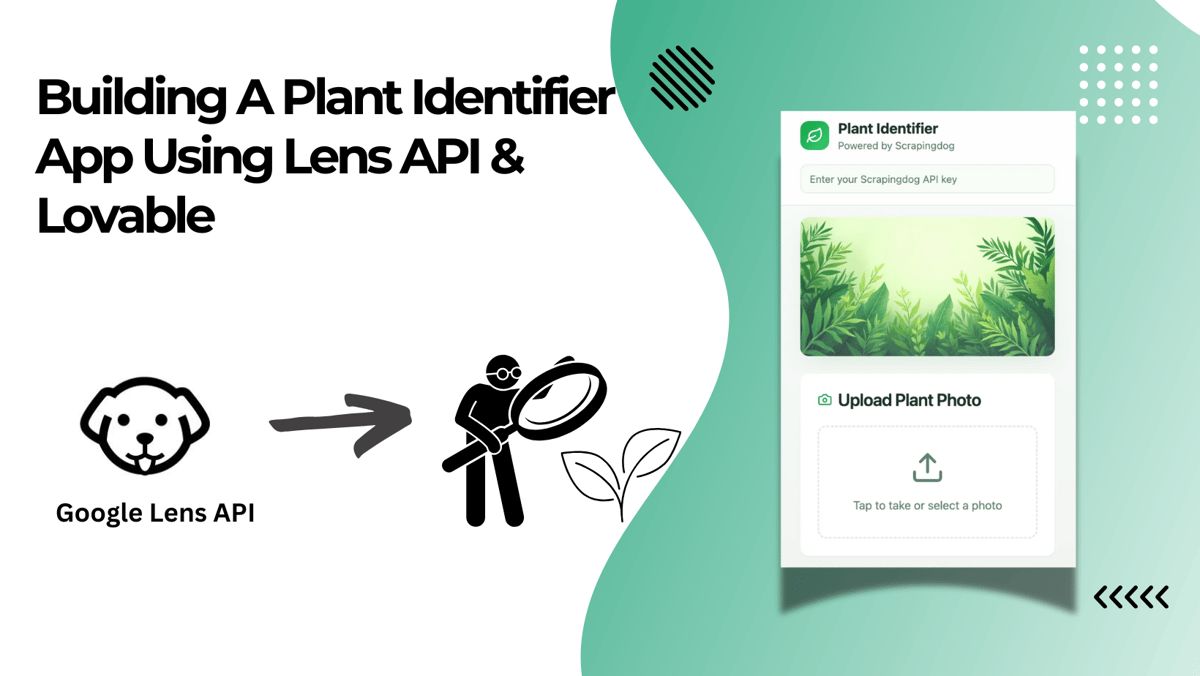
Among the many use cases that a Google Lens API can have, we have built a niche app that identifies plants when given a live photo.
To build this web app, we have used Lovable, Cloudinary (To save public URLs of images) & Google Lens API from Scrapingdog to identify the object.

Step-by-Step Process That Our Web App Follows To Identify Plant Name

The process starts by taking/uploading a picture of a plant.
This image gets uploaded to Cloudinary, which is an image API for uploading assets, and the image is saved here with a public url.
At the backend, Google Lens API is called, and we have already provided the endpoint of the API; the parameter API_KEY is given by us. The public url is taken from Cloudinary.
Finally, the app gives the best possible name of the plant.
The usual response from Google Lens API is: -
As you can see from the response that Lens API also gives an array of related_searches data.
We can assume this is a good place where the names for the plant will show up, thus, we use related_search from the API response for possible names.
Here’s a demo video of how this web app works on a phone.⬇️
What other similar use cases can you build using Lovable, Lens API & Cloudinary
With this combination, there can be a lot of use cases that can be created. Some of the ideas that I got while writing this article are below: -
1. Pet-Breed Finder
Snap a stray dog or cat, and the app pulls back the related_search’s first title from the Google Lens response to name the breed.
Further, you can add quick care tips and a link to local adoption sites. Great for vets, shelters, or anyone thinking, “Can I keep it?”
2. Landmark Guide
Point your camera at a monument; the first related_search title tells you what you’re seeing. Pair that name with a short wiki snippet so travellers get context without scrolling through ads. Perfect for city tours on foot.
3. Pill Identifier
Aim the camera at a tablet or capsule. The first related search title often returns the drug name; then displays dosage guidelines and safety notes. Handy for caretakers and pharmacists cross-checking loose meds.
4. Insect Detector
Catch a bug on a leaf or a window. Build an app that tells if it’s harmless or a crop pest, then shows control tips. Farmers and gardeners act fast before tiny jaws do big damage.
5. Car-Part Finder
Photo of a mystery component under the bonnet. Get the name of this part, and further in your workflow, you can point to spare-part retailers. DIY mechanics save time, and shops close more sales.
6. Art & Painting Info
Frame any artwork. The app shows the painting name; you can then add a brief bio and the year painted using more APIs from Scrapingdog. Museum visitors or students get instant notes without crowding the gallery guide.
7. Fashion “Get the Look”
Snap a jacket or pair of trainers. The app returns the style name, fetches similar items from online stores, so users can shop the look within minutes.
And there you have it :)
The list of use cases can be endless.