TL;DR
- Compares 7 Serper.dev alternatives based on pricing, speed, scalability, AI readiness, and supported search engines.
- Scrapingdog: 17+ Google APIs, AI Overview and AI Mode support, multi-engine search, from ~$0.26/1K searches, and 100 free credits.
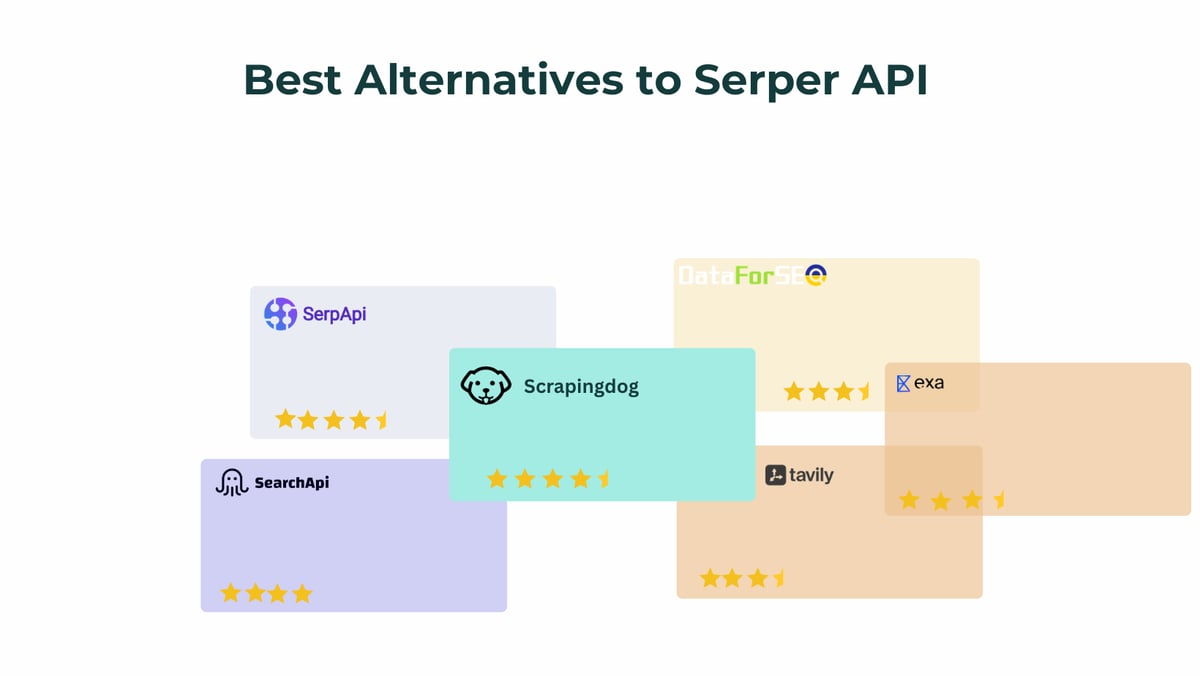
- SerpAPI, SearchAPI, DataForSEO, Exa and Tavily: each works best for enterprise, bulk SEO, or AI-native search workflows.
- Takeaway: Choose Scrapingdog for price, endpoint coverage, and scalability; Exa or Tavily for LLM workflows; and DataForSEO for bulk asynchronous jobs.
Back in 2023, when Serper.dev was launched, it soon became a major hotspot in the SERP API market. It is dead cheap, fast and flexible compared to any other options available in the market. However, if we look beyond organic search results, the API takes a complete U-turn and gets back behind its competitors.
It roughly covers 12 Google APIs, and if your project needs richer SERP features like AI Overviews, Immersive Products, Short videos, Ads or anything beyond basic SERP, the API fails silently.
We tested seven of the most popular Serper.dev alternatives in the market across speed, pricing, output richness, and AI readiness. Whether you’re building an AI monitoring tool, a rank tracker, or an SEO tool, this guide will tell you exactly which one deserves your API credits.
Provider | Cost / 1K Searches (LITE Search - Base Plan 1k$) | Cost / 1K Searches (Advance Search - Base Plan 1k$) | Avg Response Time (LITE Search) | Avg Response Time (Advance Search) | AI Overview | PAA | Multi-Engine |
|---|---|---|---|---|---|---|---|
Scrapingdog | ~$0.26 | ~$0.52 | ~1.6s (250 concurrency) | ~2.75s (250 concurrency) | Yes | Yes | Yes |
Serper.dev (baseline) | ~$0.6 | — | ~1.0s | — | Yes | Yes | N/A |
SerpAPI | $5.70 | $5.70 | ~1.9s | ~4.8s | Yes | Yes | Yes |
DataForSEO | ~$0.60 | ~$0.60 | ~4–5 min (async) | ~4–5 min (async) | Yes | Yes | Yes |
SearchAPI | ~$1.7 | ~$1.7 | ~1.6s | ~3.4s | Yes | Yes | Yes |
Exa | ~$7 (Base Search) | ~$12 (Deep Search) | ~178ms | — | N/A | N/A | Yes |
Tavily | ~$4 | ~$4 | ~180ms | — | N/A | N/A | Yes |
Why Developers are Moving Away From Serper.dev
Serper.dev is indeed a great product, and there is a lot of positivity around it on X and LinkedIn by the developer community. However, some concerning points around it are making developers drift away from the product:
Limited Engines and Scrapers Support — As we discussed above, Serper only covers 12 API Endpoints, including Google Search, Shopping, News, Images, Videos, Maps and a few others. If you need Baidu, DuckDuckGo, Bing, Amazon, and other search engines' support, you’ll have to look for another provider, which becomes a tedious task.
Data Richness Gap — There is a huge gap between the data points offered by Serper and other enterprise data collectors. Various fields like AI Overviews, rich Knowledge Graph data, Inline and Short videos, and ads are missing from it.
What to look for in a Serper.dev Alternative
Before discussing the various providers, here are the points based on which we will be evaluating them:
Pricing model: Monthly plans. Rollovers and credit expiry windows.
Response time: Measured at p50 and p95.
Output richness: Does it return PAA boxes, AI Overviews, sitelinks, discussions, shopping carousels, local packs, or just 10 blue links?
AI-readiness: Can the output feed directly into an LLM pipeline? Structured JSON matters here.
Multi-engine support: Google-only vs. Bing, Baidu, YouTube, and others.
Reliability at scale: Uptime, rate limits, and how the API behaves under concurrency.
Support: Response time, documentation quality, and whether there’s a human on the other end.
Note: We will be comparing the products based on Google Advanced SERP UI, not the basic one, which can be accessed via the gbv=1 parameter.
Scrapingdog
Starting price: ~$40/month for 20,000 Google SERP API calls.
Free tier: 100 credits on signup
Best for: Teams that need value at scale + a wide API surface area
Scrapingdog started as a dedicated general web scraping company that later added Google SERP APIs on top of its robust infrastructure.
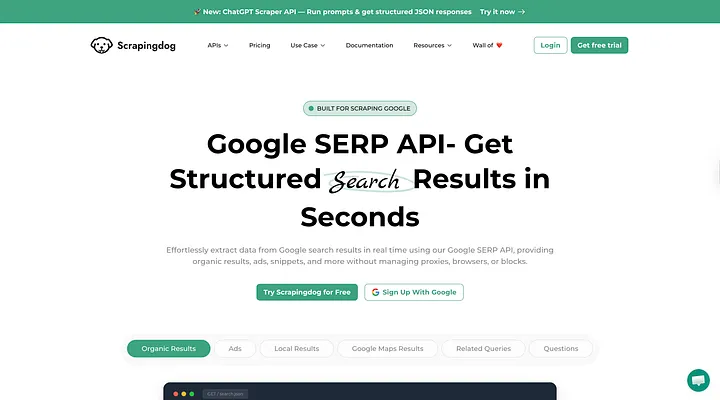
So, basically Scrapingdog does not just acts as a Google SERP provider but also supports a two-step workflow in which you can seamlessly extract content inside those links appearing in the search results through its Web Scraping API providing it a great leverage to offer all the data under one hood avoiding developers to use multiple providers for search and scraping services which can result in waste of time and resources.
Scrapingdog’s multi-engine capability is not only backed by its large portfolio of Google Search APIs, which counts to twenty-seven (a huge number), but also supports other search engines like Baidu, Bing, Amazon, Walmart, and YouTube. If you’re running a search engine product or an SEO platform, the length and breadth of APIs alone save you from managing multiple accounts.l
Pricing Breakdown:
Plan | API Calls | Cost | Cost per 1K |
|---|---|---|---|
LITE | 20k | 40$ | 2$ |
STANDARD | 100k | 90$ | 0.90$ |
PRO | 300k | 200$ | 0.66$ |
No credit expiry on PAYG top-ups. If your volume fluctuates, you’re not burning credits you didn’t use.
Performance (Tested on 250 concurrency):
Avg response time: 2.75s(mean), 2.71s (p50), ~3.23s (p95)
Success rate: 100%
Code example, migrating from Serper in a minute:
1# Serper.dev (old)2import requests3 4response = requests.post(5 "https://google.serper.dev/search",6 headers={"X-API-KEY": "YOUR_SERPER_KEY"},7 json={"q": "best web scraping API", "num": 10}8)9results = response.json()10 11# Scrapingdog (drop-in replacement)12response = requests.get(13 "https://api.scrapingdog.com/google",14 params={15 "api_key": "YOUR_SCRAPINGDOG_KEY",16 "query": "best web scraping API",17 "results": 10,18 "country": "us"19 }20)21results = response.json()Dead Simple! Isn’t it? Plus, the response schemas are the same, so no need to check for different property names in the JSON.
Why choose Scrapingdog over Serper.dev?
As Serper.dev only supports the basic Google SERP, we will be comparing both the LITE and Advanced Google SERP API pricing of Scrapingdog with it.
Provider | Plan Name | Monthly Cost ($) | API Calls | Cost per 1K Requests ($) |
|---|---|---|---|---|
Serper.dev | Starter | 50$ | 50k | 1$ |
Serper.dev | Standard | 375$ | 500k | 0.75$ |
Scrapingdog | Lite | 40$ | 40k | 1 |
Scrapingdog | Premium | 350$ | 1.2M | 0.29$ |
Serper vs Scrapingdog Advance Search Pricing Comparison
Provider | Plan Name | Monthly Cost ($) | API Calls | Cost per 1K Requests ($) |
|---|---|---|---|---|
Serper.dev | Starter | 50$ | 50k | 1$ |
Serper.dev | Standard | 375$ | 500k | 0.75$ |
Scrapingdog | Lite | 40$ | 20k | 0.50$ |
Scrapingdog | Premium | 350$ | 600k | 0.58$ |
Scrapingdog not only becomes a super economical alternative to Serper at scale in LITE Search, but also in advanced search, which is expensive to scrape.
17+ Google endpoints plus multi search engine support vs. Serper’s ~12
No credit expiry on pay-as-you-go credits
Scrapingdog supports multiple featured snippets, including AI Overviews, Ads, and Knowledge Graph.
Built on the same infrastructure that handles tens of millions of web scraping requests, so reliability at scale is proven.
Human support response time under 5 minutes, clear and vast documentation make it a better choice.
Note: You should also use the Google News Scraping API to monitor your brand's mentions on the Internet.
SerpAPI
Starting price: $75/month for 5,000 searches ($15/1K)
Free tier: 100 searches/month
Best for: Enterprise teams that need legal coverage, multi-engine support, and maximum reliability
SerpAPI is the most established player in this list. The product is consistently maintained by its dedicated engineers, documentation is clear and concise, and APIs deliver the most complete JSON output in the market.
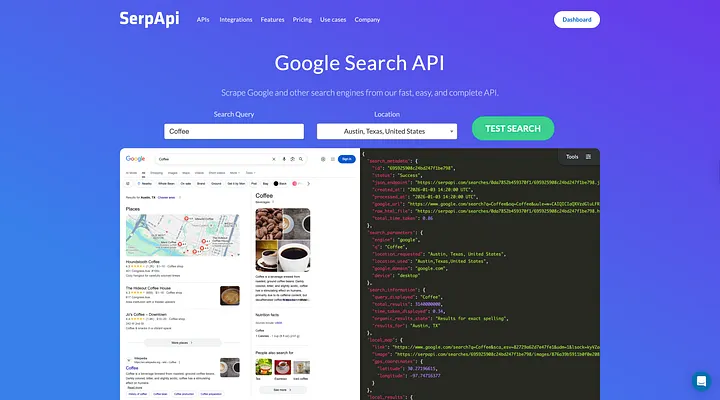
What makes them unique:
Legal US Shield: For plans above the “Developer” tier, SerpAPI provides a legal cover for scraping search results as long as you use it for ethical purposes.
Huge Portfolio: SerpAPI definitely holds the title for having the most search engine APIs in the industry. From Google to Yandex, from Amazon to Walmart, it literally covers every major search engine on the planet.
Open Status Pages: SerpAPI has status pages that consist of average speed and success rate for every API it supports on its platform.
Pricing Breakdown:
Plan | Searches | Cost | Cost per 1K |
|---|---|---|---|
Starter | 1k | 25$ | 25$ |
Developer | 5k | 75$ | 15.00$ |
Production | 15k | 150$ | 10.00$ |
Big Data | 30k | 275$ | 9 |
Pricing can be brutal not only for developers but also for medium-sized enterprises. However, if you have an enterprise-level volume, then SerpAPI can be the best option for you.
Performance:
Avg response time: 4.83s(mean)
Success rate: 100%
When to choose SerpAPI over Serper.dev:
You need advanced featured snippets from search engines.
You need all of the major search engines under one roof.
You’re building an enterprise SaaS where support SLA matters.
You need clear and concise documentation with dedicated engineers' support that can reply within 5 minutes.
SearchAPI
Starting price: ~$40/month for 10,000 searches
Free tier: 100 searches
A relative newcomer, but it has a strong reputation backed by its great performance and consistent maintenance of its data pipeline. It is positioned somewhere between Scrapingdog and SerpAPI in the enterprise pricing level set.
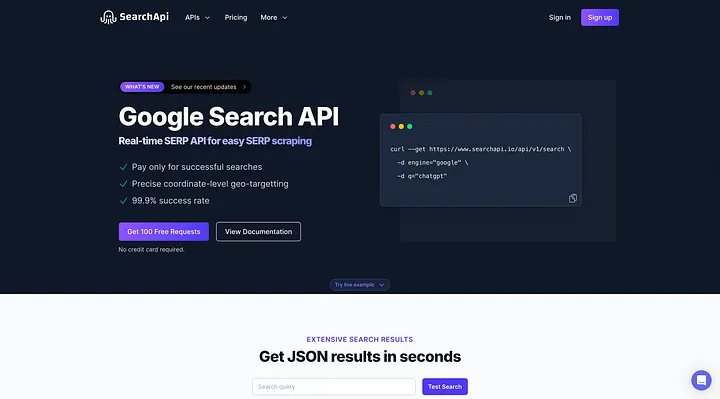
What stands out:
Covers structured JSON APIs across all Google endpoints.
Solid documentation with code examples in Python, Node.js, Ruby, PHP, and Go.
Cleaner logs consisting of all the needed information about the API call.
Pricing Breakdown:
Plan | Searches | Cost | Cost per 1K |
|---|---|---|---|
Starter | 10k | 40$ | 4$ |
Developer | 35k | 100$ | 3.00$ |
Production | 100k | 250$ | 2.50$ |
Scale | 250k | 500$ | 2 |
Performance:
Avg response time: 2.9s(mean)
Success rate: 100%
When to choose SearchAPI over Serper.dev:
You need dedicated APIs related to Google AI Pages.
You want to track ads, citations, sponsored products and various other snippets, which Serper doesn’t yet support.
You need fast support as you can’t tolerate inconsistency with real users in production.
DataForSEO
Starting price: $600 per 1M searches (async queue)
Best for: SEO platforms, rank trackers, agencies doing bulk keyword research
DataForSEO is infrastructurally different from the others on this list. It not only offers a simple synchronous API that returns results in 2–5 seconds, but it also operates a task-based async model in which you just have to submit a batch of queries, and results will be ready in a queue, sometimes in minutes, sometimes longer, depending on load.
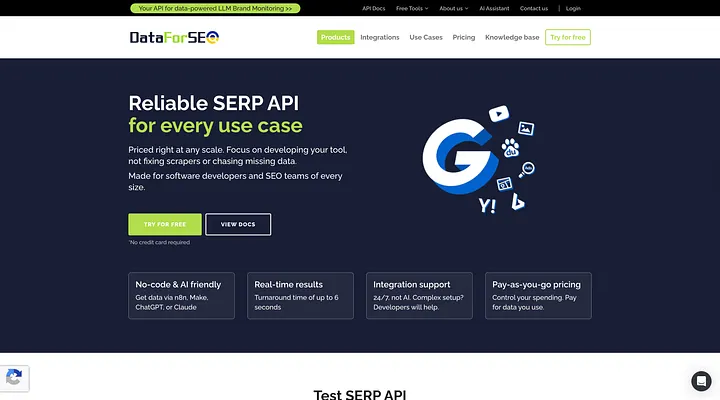
That may sound like a downside if you are running a live application, but for SEO teams running bulk rank tracking jobs or keyword research, it’s actually a feature. You don’t need real-time results for a 50,000 keyword crawl. You need low cost and high throughput.
Key differentiators:
Cheapest cost per query at scale: ~$0.60/1K on Standard Queue, as low as $0.006/1K on Sandbox. For bulk workflows, nothing beats this.
SERP + keyword + backlink data: DataForSEO isn’t just a SERP API; it has endpoints for keyword difficulty, search volume, backlink indexes, and more. If you’re building an SEO platform, this is a one-stop shop.
White-label friendly: Clean data model that’s easy to pipe into your own dashboard or product.
Pricing Breakdown:
The pricing changes on the basis of the API Mode:
For the Standard queue, it costs $0.0006 per SERP, and the cost per 1M is $600.
For the Priority queue, it costs $0.0012 per SERP, and the cost per 1M is 1200$.
For LIVE mode, it costs $0.002 per SERP, and the cost per 1M is 2000$.
Performance:
We couldn’t test the API due to too much complex documentation.
When to choose DataForSEO over Serper.dev:
You run bulk/batch SEO workflows, not real-time queries.
You’re building an SEO product and need keyword and backlink data alongside SERP.
Volume is high (1M+ searches/month), and cost is the primary constraint.
Real-time response time is not critical.
Exa & Tavily — Best for AI-Native Workflows
Exa starting price: ~$5/1K queries (content search)
Tavily starting price: ~$3/1K queries
Best for: LLM agents, RAG pipelines, AI research tools
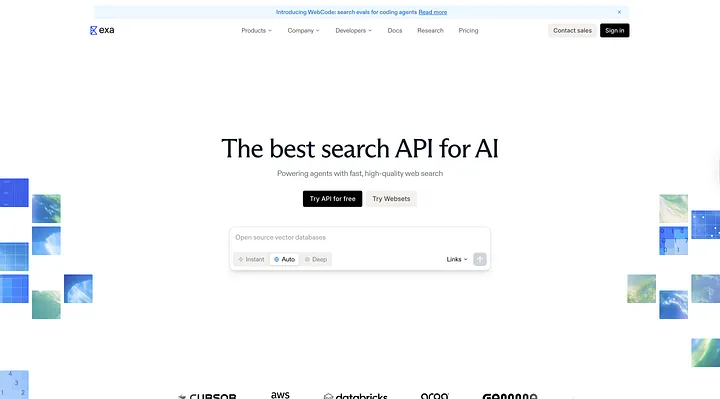
These two products deserve a different section altogether because they’re solving a different problem than the rest of this list fundamentally. They’re not really SERP APIs. They’re AI-native search APIs built specifically for LLM workflows.
Exa uses neural search trained on link prediction to find content by meaning, not just keywords. When you query Exa, you get not only 10–100 links just like other search engines, but also full page content of these links extracted in clean markdown, ready to drop into an LLM prompt without any additional scraping step.
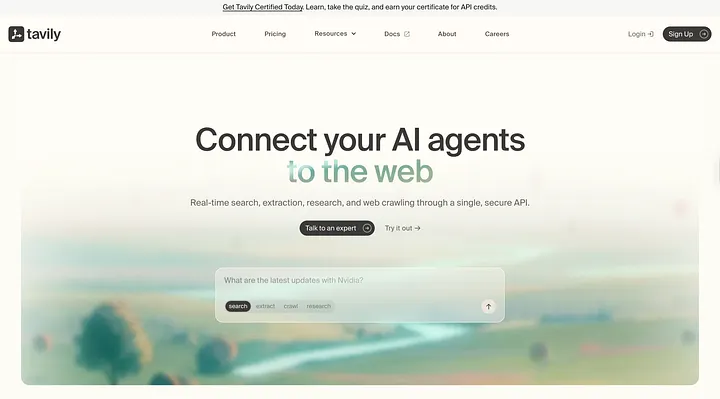
Tavily is similar but focused on citation-ready results. It’s deeply integrated with LangChain and LlamaIndex, which is why it’s become the default search tool for many AI agent frameworks.
The critical difference from SERP APIs:
A traditional SERP API (Serper, Scrapingdog, SerpAPI) returns metadata about search results, titles, URLs, snippets, and knowledge graph data. To get the actual page content, you need a separate scraping step.
Exa and Tavily return the content itself, full text, structured for LLM consumption. That’s why they’re in a different category.
When to choose Exa/Tavily over Serper.dev:
You’re building LLM agents or RAG pipelines and need page content, not just metadata
You’re using LangChain, LlamaIndex, or similar AI frameworks
Search freshness is secondary to content quality for your use case
Head-to-Head: Scrapingdog vs. Serper.dev
Dimension | Scrapingdog | Serper.dev |
|---|---|---|
Cost at 1M searches/month(LITE Search) | ~330$ | ~700$ |
Google API endpoints | 17+ | 12 |
AI Overview support | Dedicated endpoint | Field in response |
Google AI Mode API | Yes | No |
Bing Search API | Yes | No |
Baidu Search API | Yes | No |
PAA boxes | Yes | Yes |
Credit expiry | None (PAYG) | 6 months |
Free trial | 200 credits | 2500 searches |
Documentation quality | Comprehensive | None |
Support | Email + chat |
The pricing gap widens significantly at scale. At 1M searches/month, Serper charges ~$700 per month. Scrapingdog’s equivalent cost for the same job is ~330$.
Response schema comparison:
Both APIs return JSON. Here’s a simplified side-by-side of a Google SERP response:
1// Serper.dev response (simplified)2{3 "organic": [4 { "title": "...", "link": "...", "snippet": "...", "position": 1 }5 ],6 "peopleAlsoAsk": [...],7 "relatedSearches": [...]8}9 10// Scrapingdog response (simplified)11{12 "organic_data": [13 { "title": "...", "link": "...", "snippet": "...", "displayed_link": "...", "position": 1 }14 ],15 "peopleAlsoAsk": [...],16 "related_searches": [...],17 "ai_overview": { "text_blocks": "...", "sources": [...] },18 "knowledge_graph": {...}19}The structure is similar enough that migration is minimal. Scrapingdog’s response includes additional fields like displayed_link, ai_overview, and knowledge_graph that gives your pipeline more data to work with.
How to Migrate from Serper.dev to Scrapingdog (Step by Step)
If you’re ready to switch, here’s the complete migration path:
Step 1: Get your Scrapingdog API key
Sign up at scrapingdog.com, and you’ll get 100 free credits immediately, no credit card required.
Step 2: Update your endpoint and parameters
1# Python example2 3import requests4 5# Old Serper.dev code6def search_serper(query):7 response = requests.post(8 "https://google.serper.dev/search",9 headers={"X-API-KEY": "SERPER_KEY"},10 json={"q": query, "num": 10, "gl": "us", "hl": "en"}11 )12 return response.json()13 14# New Scrapingdog code15def search_scrapingdog(query):16 response = requests.get(17 "https://api.scrapingdog.com/google",18 params={19 "api_key": "YOUR_API_KEY",20 "query": query,21 "results": 10,22 "country": "us",23 "language": "en"24 }25 )26 return response.json()1// Node.js example2 3// Old: Serper.dev4const searchSerper = async (query) => {5 const res = await fetch("https://google.serper.dev/search", {6 method: "POST",7 headers: {8 "X-API-KEY": "SERPER_KEY",9 "Content-Type": "application/json"10 },11 body: JSON.stringify({ q: query })12 });13 return res.json();14};15 16// New: Scrapingdog17const searchScrapingdog = async (query) => {18 const params = new URLSearchParams({19 api_key: "YOUR_API_KEY",20 query: query,21 results: 10,22 country: "us"23 });24 const res = await fetch(`https://api.scrapingdog.com/google?${params}`);25 return res.json();26};Step 3: Update your response parser
Map the field names. Most are identical or near-identical:
Serper field | Scrapingdog field |
|---|---|
organic | organic_data |
organic[].link | organic_data[].link |
organic[].snippet | organic_data[].snippet |
peopleAlsoAsk | peopleAlsoAsk |
relatedSearches | related_searches |
(not available) | ai_overview |
(not available) | knowledge_graph |
Step 4: Run parallel for one week
Keep both integrations live. Run the same queries through both and compare outputs. Once you’re satisfied, cut over completely.
Frequently Asked Question
Is there a free alternative to Serper.dev?
Yes. Scrapingdog offers 100 free credits on signup. SerpAPI gives 100 searches/month. Serper itself offers 2,500 free searches/month, which is the most generous free tier in the list. For completely free options, you’re looking at open-source DIY approaches (Scrapy + proxies), which work but require significant maintenance.
What is the cheapest alternative to Serper.dev at scale?
At 100K+ searches/month, Scrapingdog and DataForSEO are the cheapest options. Scrapingdog costs around $0.25–0.30 per 1K searches at high volume. DataForSEO’s async Standard Queue can go even lower for bulk non-realtime workloads.
Does Scrapingdog support the same endpoints as Serper.dev?
Yes, and it also supports other endpoints as well. Everything Serper covers (web, news, images, shopping, maps, scholar) is available in Scrapingdog, plus Bing, Baidu, Google AI Overview, Google AI Mode, Google Trends, Google Finance, Google Patents, and more.
Is Serper.dev good for AI agents?
It works, but it’s not built for it. Serper returns search metadata titles, snippets, URLs. For AI agents that need actual page content in LLM-ready format, you still need a separate scraping step. If your use case is LLM-native, look at Exa or Tavily. If you want SERP data + the option to also scrape full pages under one API, Scrapingdog’s Data Extraction API handles both.
Does Serper.dev have an uptime SLA?
Serper doesn’t publish a formal uptime SLA. SerpAPI and SearchAPI both publish uptime stats. Scrapingdog maintains a status page at status.scrapingdog.com.
Conclusion
Serper.dev is a solid tool; we’re not here to trash it. But the limited endpoint coverage and no multi-engine support make it a poor fit for teams that are scaling beyond a prototype.
If you’re evaluating alternatives in 2026, the decision mostly comes down to three questions:
How much volume do you need? Low volume → Serper. High volume → Scrapingdog, DataForSEO, SearchAPI and SerpAPI.
Do you need fast results? Yes → Scrapingdog, Serper.
Are you building for LLMs specifically? SERP metadata → Scrapingdog. Full content extraction → Exa or Tavily.
For the majority of developers who are building LLMs, rank trackers and SEO tools, Scrapingdog delivers the best combination of price, endpoint breadth, and reliability at any volume tier.
You can test it for free with 100 credits at scrapingdog.com — no credit card required.